GTA 6 Storage Buying Guide: PS5 SSDs and Xbox Expansion Cards
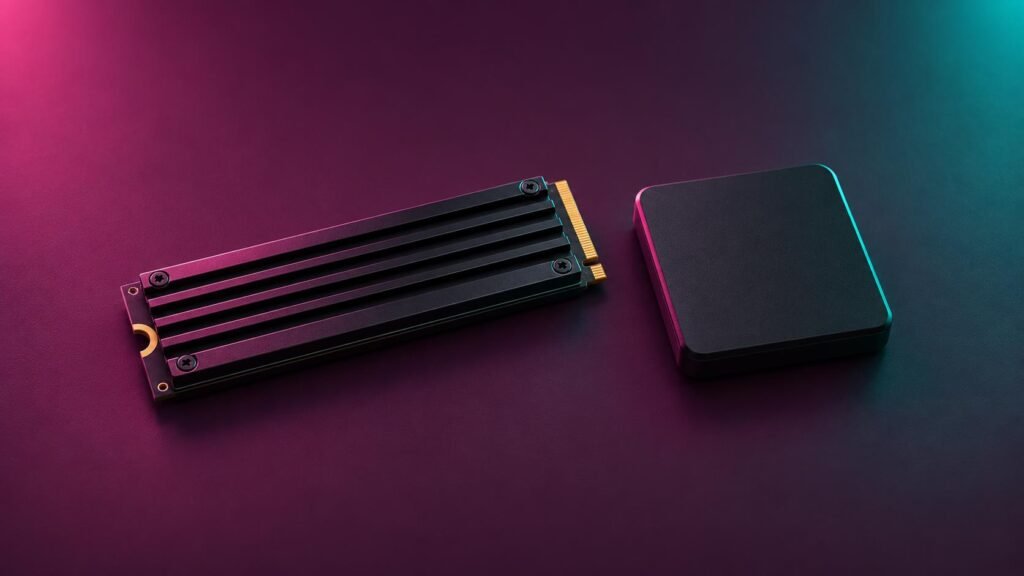
Clear space before buying a drive. Rockstar lists up to 212 GB of available space depending on your console. If you still need more room, get a compatible internal M.2 NVMe SSD with a heatsink for PS5, or a Storage Expansion Card for Xbox Series X|S that plugs into the dedicated rear slot. Rockstar’s installation requirements.
As an Amazon Associate I earn from qualifying purchases.
Free up space before you buy
Check storage in your console settings. Uninstall a large game you can download again, clear captures you no longer need, or move a game you are saving for later to a compatible USB drive you already own. Recheck available space before ordering anything. A USB drive can store GTA 6, but move it back to console storage or the compatible expansion described below before playing. See the GTA 6 install-size guide for both consoles.
PS5: What to look for in an SSD
Look for a PCIe 4.0 x4 M.2 NVMe drive with a heatsink that fits the expansion bay. Sony lists 250 GB to 8 TB of supported capacity and recommends sequential reads of at least 5,500 MB/s. Check the full dimensions with the heatsink installed. Sony specifies a maximum width of 25 mm and total thickness of 11.25 mm. Check the exact model number because some drives come with and without a heatsink. PlayStation’s compatibility and installation guide.
Samsung 990 PRO with Heatsink (1 TB)
Samsung lists this version as PS5-compatible, with sequential reads up to 7,450 MB/s. Look for the heatsink model MZ-V9P1T0CW. Check Samsung’s specifications.
Check Samsung 990 PRO with Heatsink on Amazon US (paid link).
WD_BLACK SN850P for PS5 (1 TB)
This officially licensed drive has an integrated heatsink. Match the 1 TB model WDBBYV0010BNC-WRSN to the listing before buying. Check Sandisk’s specifications.
Check WD_BLACK SN850P on Amazon US (paid link).
Xbox Series X|S: What to look for in an expansion card
Buy a card specifically made for the Xbox Series X|S Storage Expansion slot. It plugs into the rear of either console and can run games designed for the Series consoles. A generic M.2 drive, M.2 USB enclosure or external USB SSD cannot serve as that expansion card. Xbox’s guide to storage types.
Seagate Storage Expansion Card for Xbox Series X|S (1 TB)
Xbox developed the card with Seagate and lists it for both Series X and Series S. Make sure the listing says Storage Expansion Card and shows the dedicated slot connector. Seagate also sells USB Game Drives. Check the Seagate card on Xbox.
Check Seagate Storage Expansion Card on Amazon US (paid link).
WD_BLACK C50 Expansion Card for Xbox (1 TB)
The C50 plugs into the same dedicated slot on both consoles. Look for the C50 Expansion Card for Xbox name, since WD_BLACK also makes USB drives. Check Sandisk’s C50 setup guide.
Check WD_BLACK C50 on Amazon US (paid link).
Should you buy 1 TB or 2 TB?
Start with 1 TB if you want GTA 6 and a few other large games installed together. Consider 2 TB if you keep a larger Library and dislike reinstalling games. Compare the delivered price per TB, then check the exact model number, return policy and warranty for your region. The products above are compatibility examples based on manufacturer specifications.